GST for Freelancers in India (After GST 2.0)
If you freelance in India, GST has two questions that matter: do you need to register, and what do you put on a GST invoice? This guide covers both - updated for the September 2025 GST 2.0 reform that reshaped the rate slabs.
When you have to register
GST registration becomes mandatory once your aggregate turnover in a financial year crosses the threshold. For service providers - which is most freelancers - that is Rs 20 lakh (Rs 10 lakh in special-category states). Suppliers of goods have a higher Rs 40 lakh threshold in most states. Registration can also be triggered by certain inter-state supplies and by selling through some e-commerce operators.
Below the threshold, registration is optional. Some freelancers register voluntarily to claim input tax credit on their own purchases, or because business clients prefer to work with GST-registered vendors.
GST rates after the 2025 reform
The 56th GST Council reform - "GST 2.0", effective 22 September 2025 - simplified the rate structure. The old 28% slab was removed, with items moving to 18% or a new 40% rate that applies only to select luxury and sin goods; most 12% items moved to 5%. The practical structure now is:
- 0% - exempt / nil-rated supplies
- 5% - merit goods and some services
- 18% - the standard rate, covering most professional and freelance services
- 40% - luxury and sin goods (not ordinary services)
For the vast majority of freelancers - designers, developers, writers, consultants - the rate is 18%. To check a figure, the GST calculator adds or removes GST and shows the CGST/SGST or IGST split.
CGST, SGST, and IGST
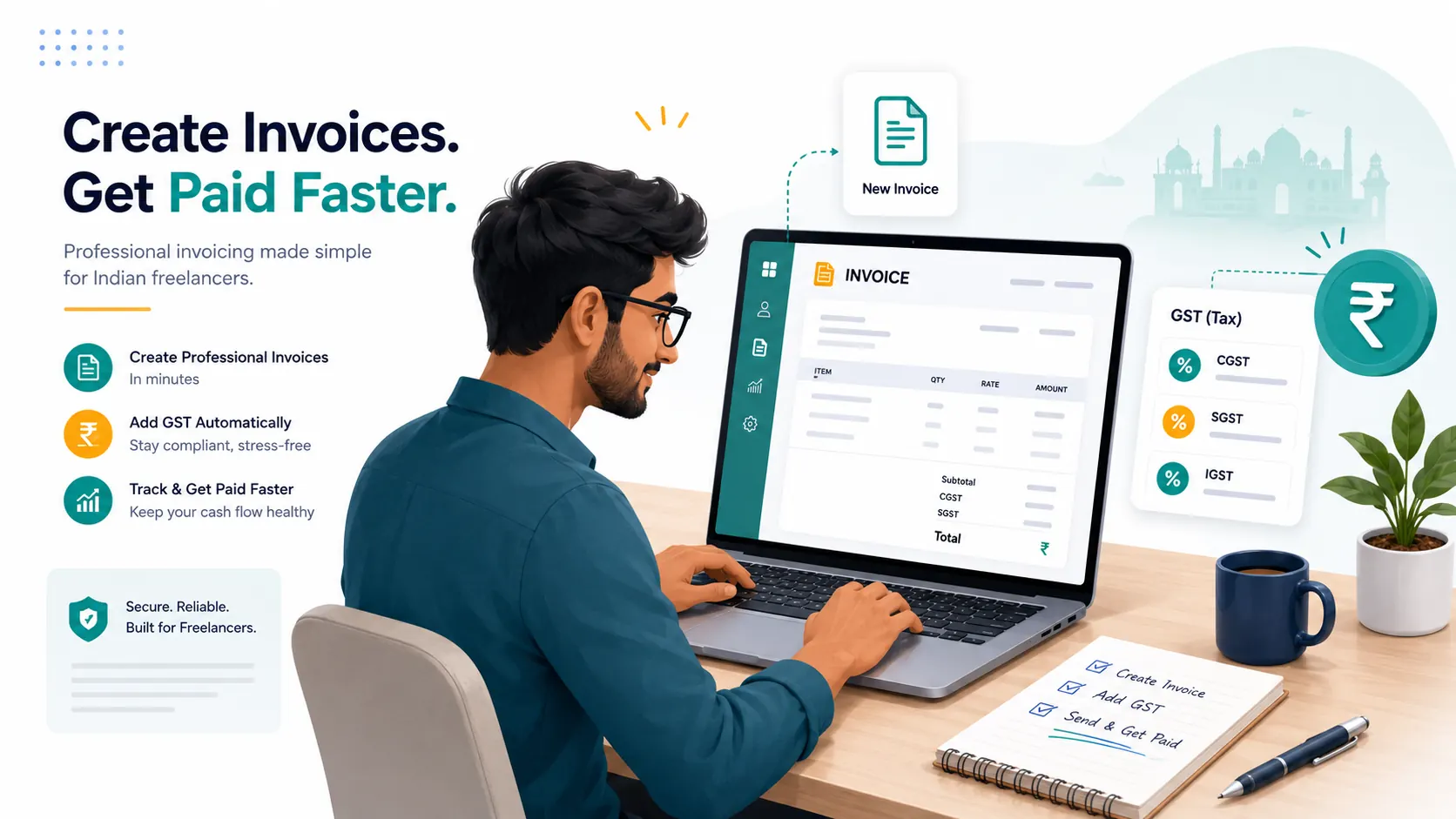
GST is a destination-based tax. When you and your client are in the same state (intra-state), the GST splits equally into CGST and SGST. When you are in different states (inter-state), a single IGST is charged at the full rate. You do not have to work this out by hand - the GST invoice generator applies the right split based on the states you select.
What a GST invoice must show
A GST tax invoice needs to be complete so your client can claim input tax credit:
- Your name, address, and GSTIN
- A consecutive invoice number and the date
- The client's name, address, and GSTIN (if registered)
- Place of supply and the state
- HSN/SAC code for each service or item
- Description, quantity, rate, and taxable value
- The GST rate and amount - as CGST & SGST, or IGST
Leave the recipient GSTIN blank for an unregistered client - the invoice still calculates GST correctly.
The bottom line
Register when your turnover crosses Rs 20 lakh (services), charge 18% on most freelance work, and issue a complete GST invoice with your GSTIN, HSN/SAC codes, and the correct CGST/SGST or IGST split. This guide is educational and not tax advice; GST rules and rates change, so verify your situation with a qualified professional.
Create a GST invoice
Generate a GST-compliant tax invoice with automatic CGST/SGST/IGST, HSN/SAC, and GSTIN - free, no signup, no watermark.
Open the GST invoice generator